Veo 3.1
Native Audio & 4K
Create dialogue-driven AI videos with the Google Veo 3.1 Video Generator.
Start DirectingWhat Is Google Veo 3.1
Google Veo 3.1 is Google DeepMind’s flagship AI video model, and one of the model options built into DirectStudio’s video generator (powered by Wavel AI). It’s built for native audio, dialogue, and up to 4K output, generated in a single pass.
Released by Google DeepMind and updated with 4K output in early 2026, Veo 3.1 was the model that ended the silent film era of AI video — dialogue, ambient sound, and lip-sync are generated alongside the picture, not bolted on afterward.
Key Features of Veo 3.1
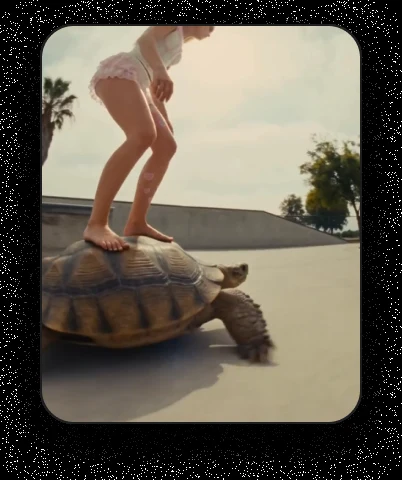
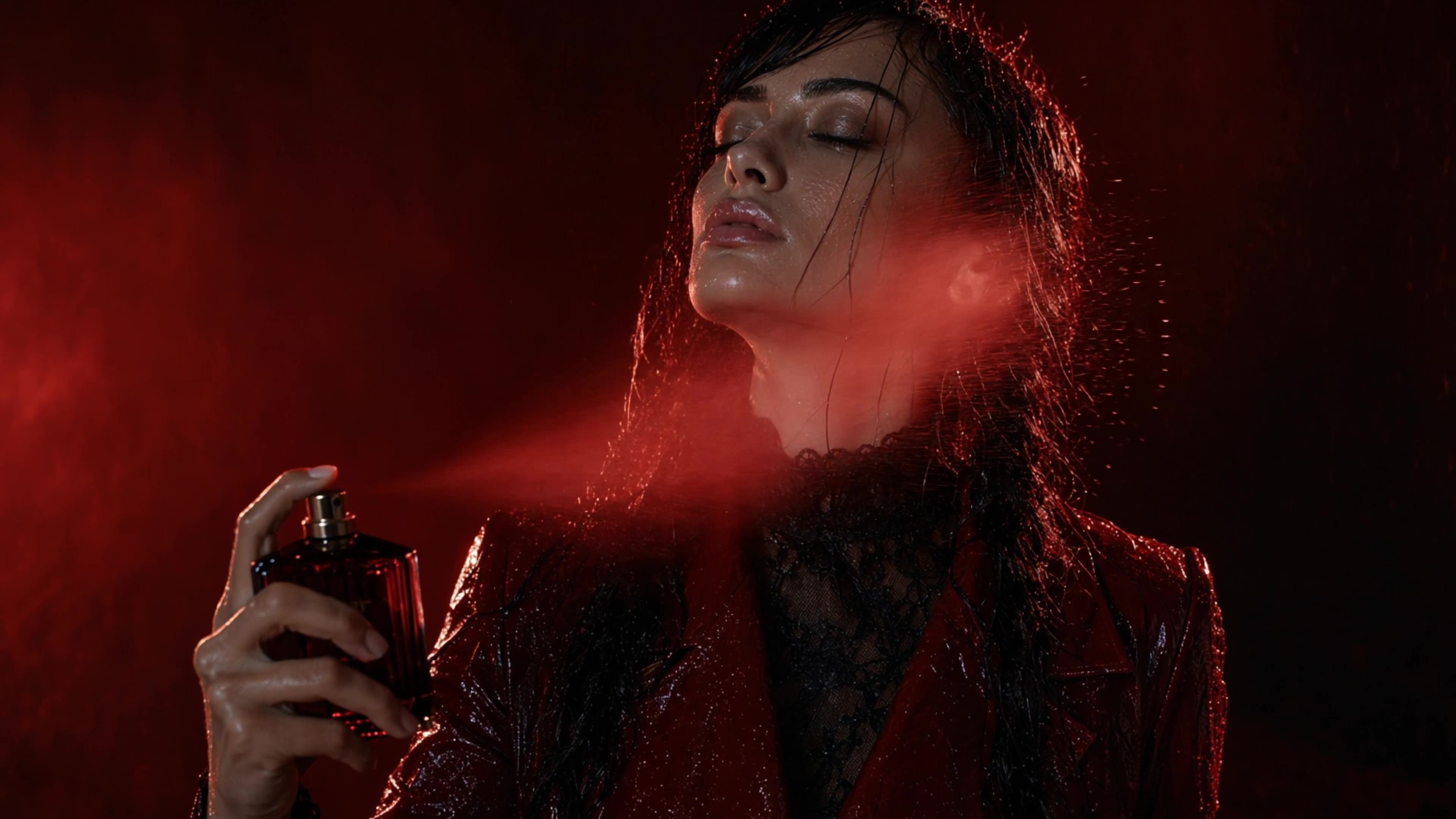
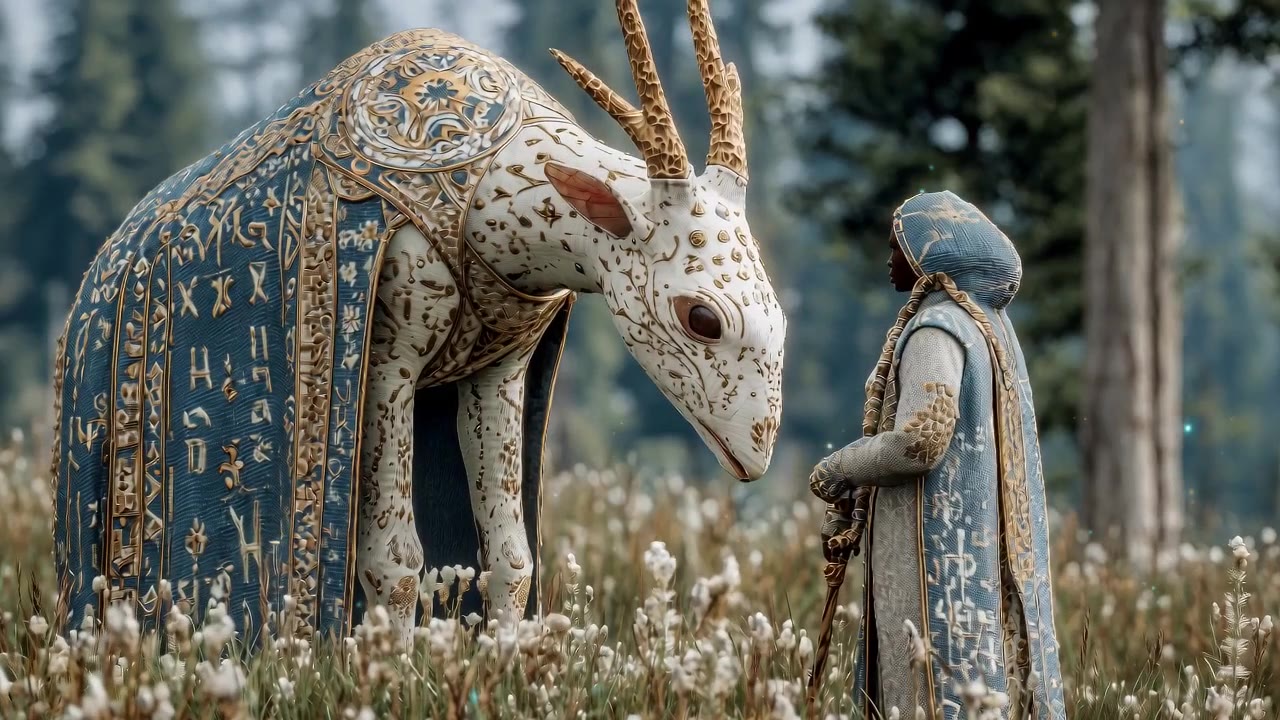
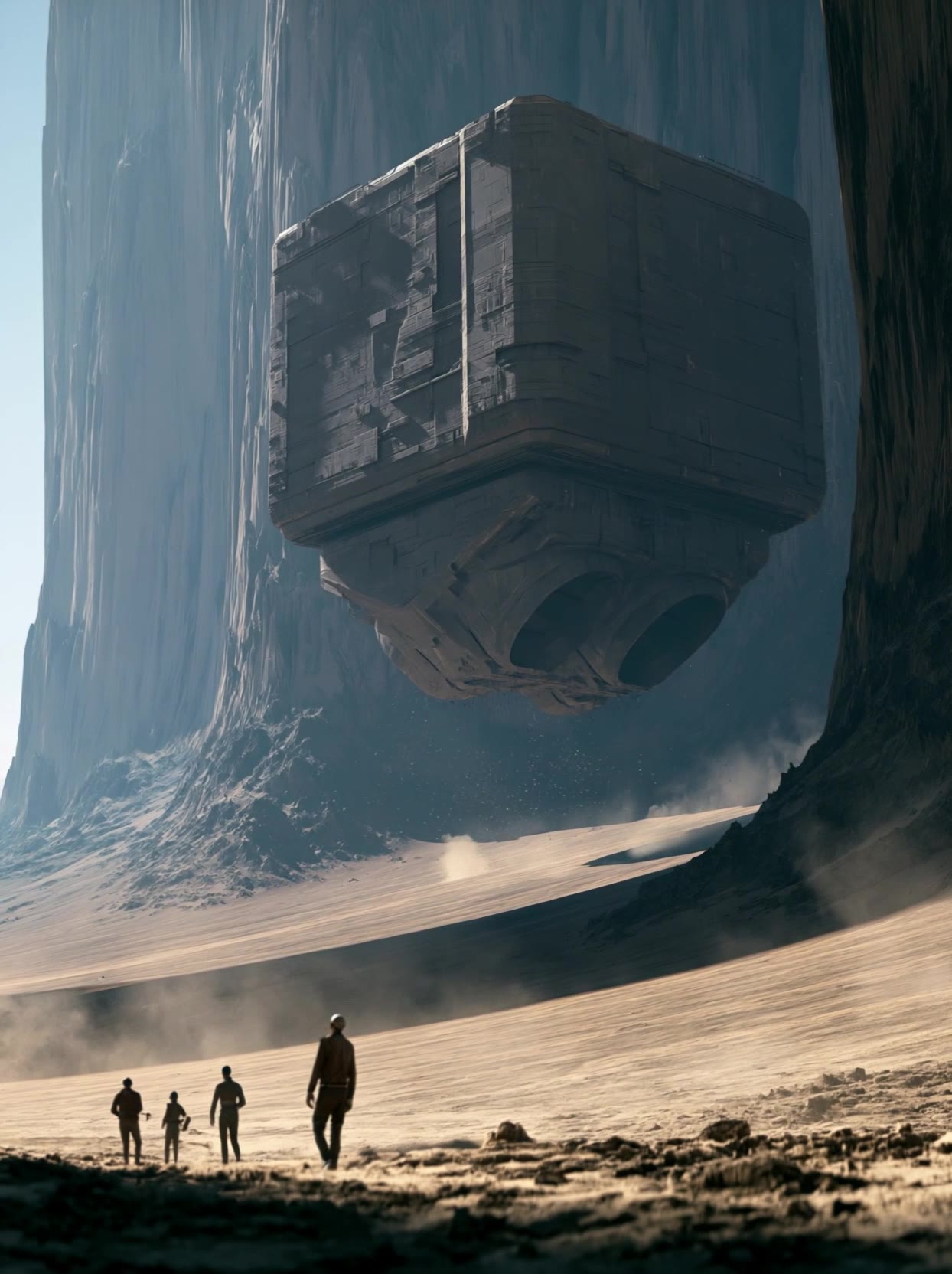
Sound and picture, one pass



Trusted by teams, just like yours.










Working with Veo 3.1
Limitations, and how
to get around them
Model choice takes judgment
Veo 3.1 isn't the automatic best pick for every video. DirectStudio offers five leading models because content type matters. What helps: match the model to the job; Veo 3.1 for dialogue, human realism, and native audio.
Draft Your Script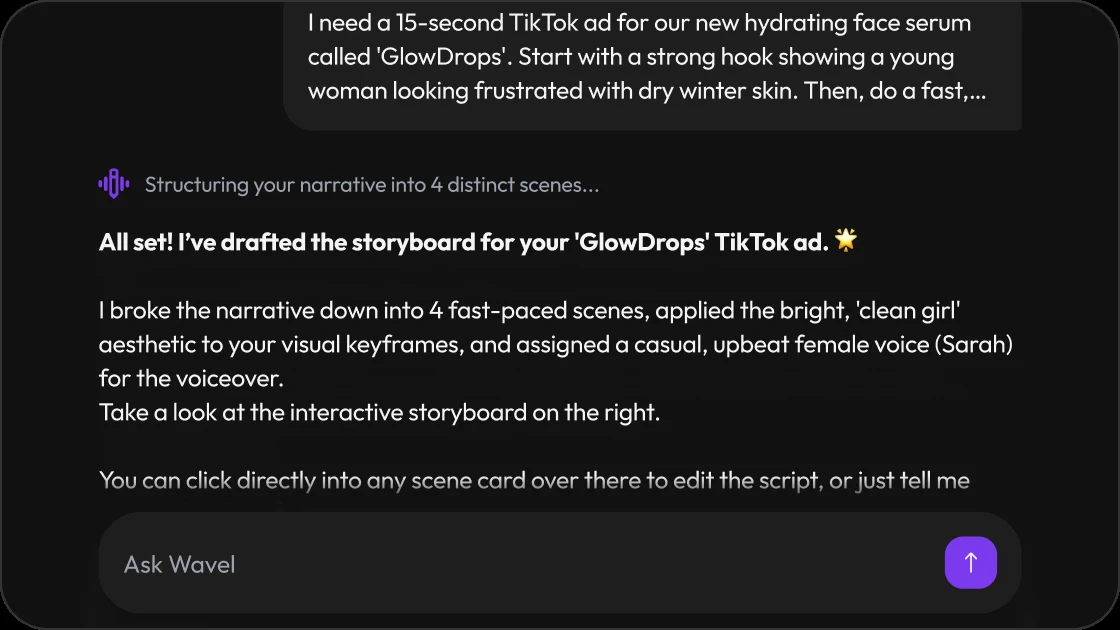
Native clip length is short
A single generation runs a few seconds before needing Scene Extension to go longer. What helps: chain extensions for longer sequences rather than expecting one long native render.
Build a Storyboard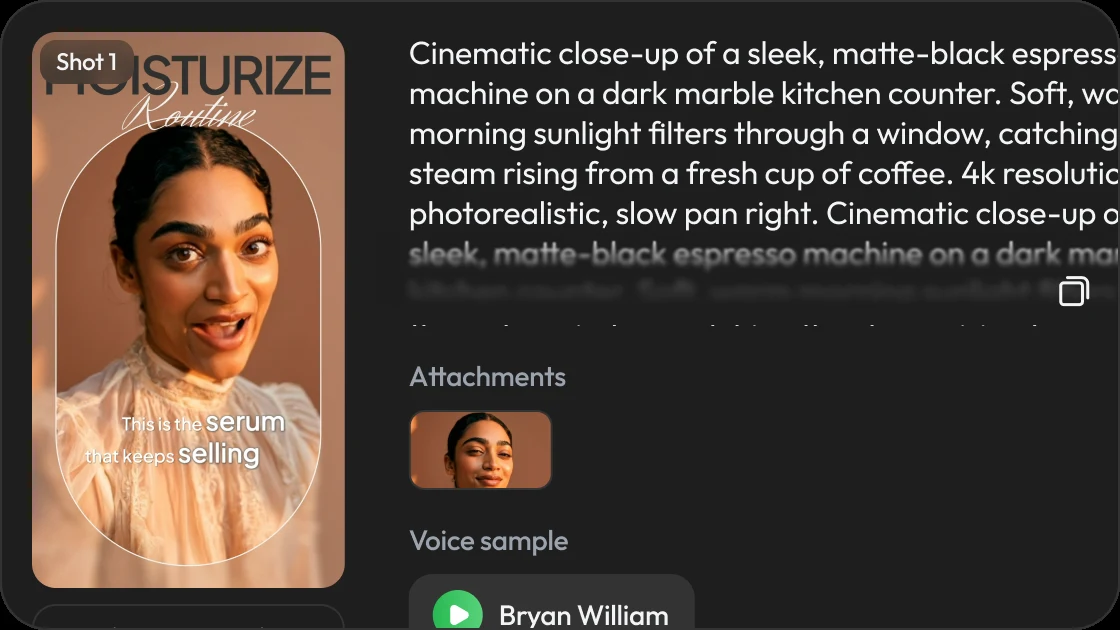
Physics-heavy or surreal motion isn't its strongest suit
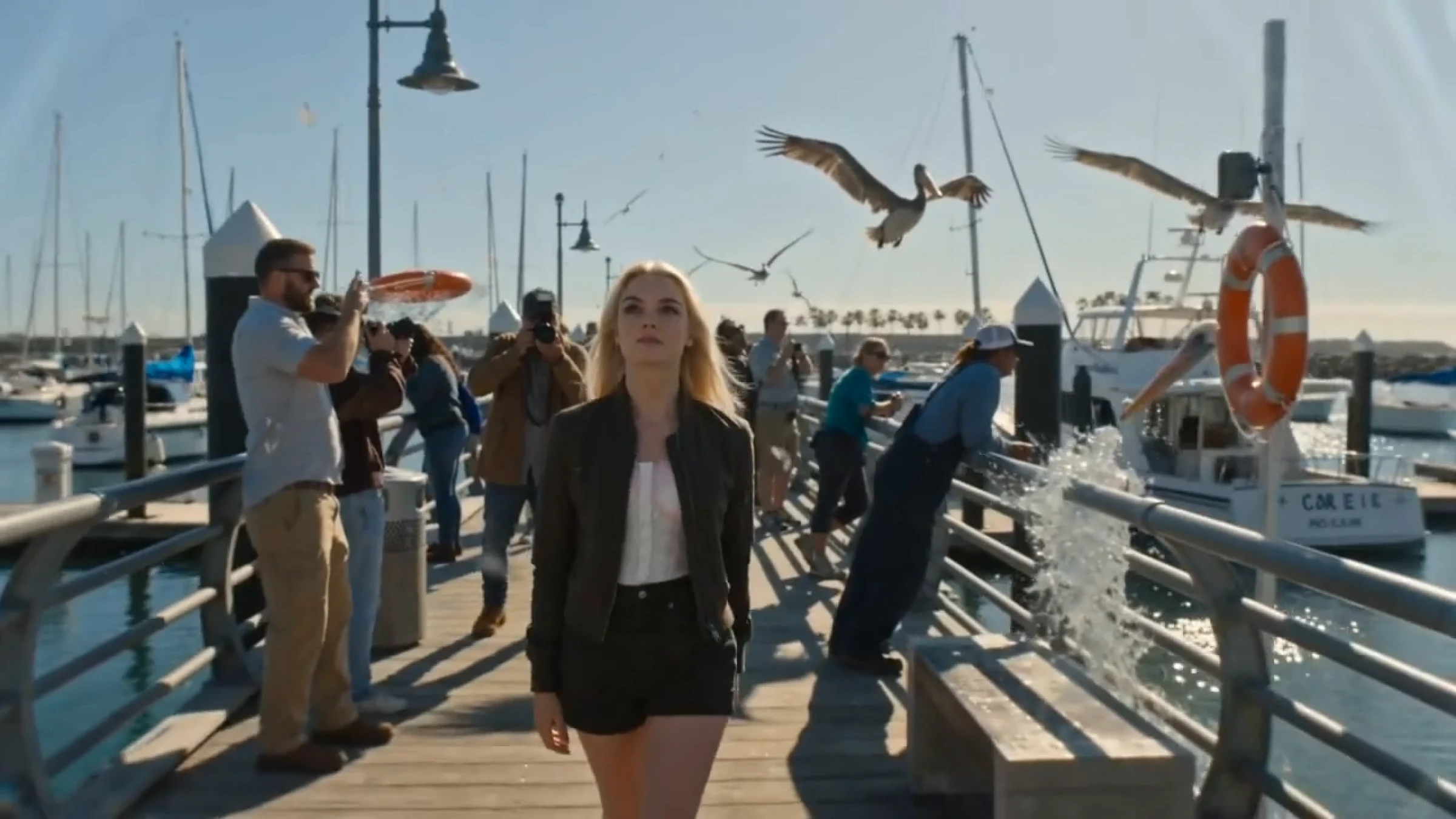
Veo 3.1 leads on dialogue and photoreal close-ups; aggressive camera choreography and surreal motion render more reliably on other models. What helps: pair Veo 3.1 for dialogue-led shots with another model for a balanced output.
Open the Studio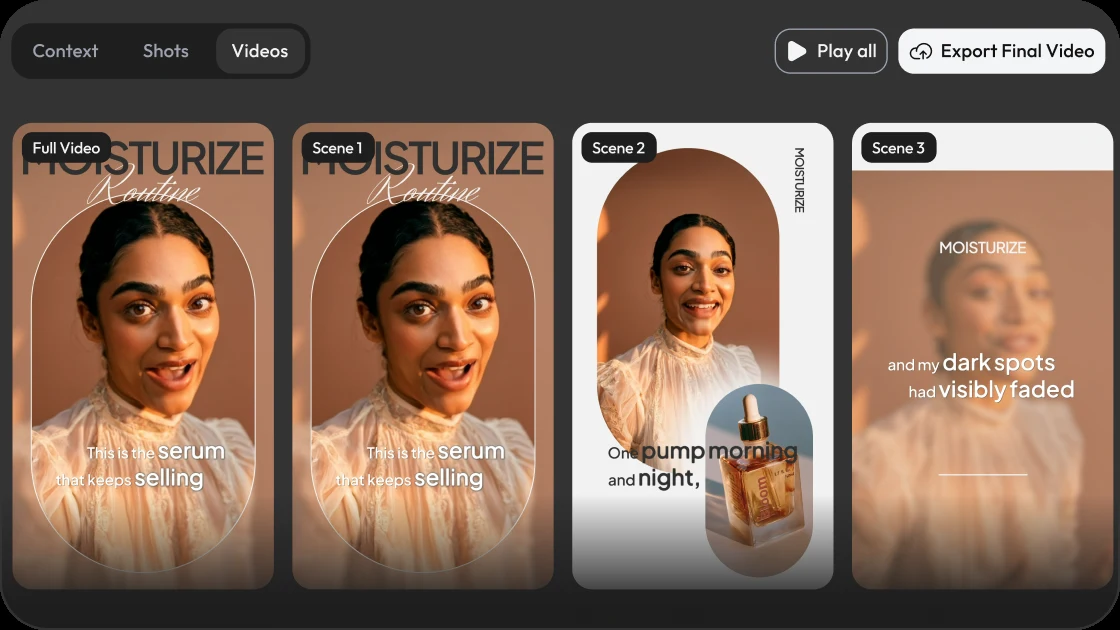
Use cases, with more DirectStudio tools
How To Use Veo 3.1
Pick your video type
Choose from faceless, AI avatar, UGC-style ad, commercial, cartoon, or music video.
Choose Veo 3.1 as your model
Get it alongside Seedance 2.0, Kling 3, Seedream 5, and Wan v2.5.
Upload media and enter your script
Add reference images, write your prompt, include dialogue where the scene calls for it.
Generate and review
Preview with synced audio, fine-tune in the editor, and export.
Built for Every Shot
Professional video for every use case
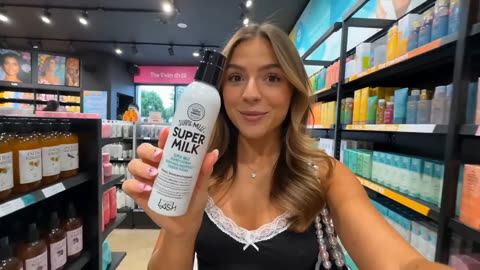 Dialogue-driven scenesTalking-head, testimonial, and presenter-style videos with natural lip-sync built in.
 Multi-character cinematic scenesReference-image consistency keeps characters recognizable across cuts.
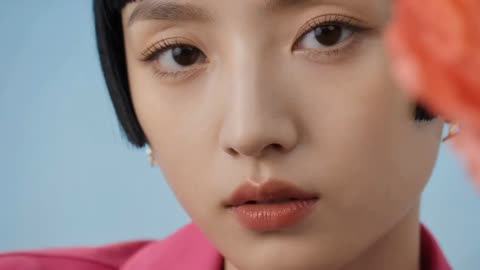 Campaign-ready commercial videoNative audio removes the need for a separate voiceover or sound-design pass.
 Extended sequencesScene Extension chains generations into longer, continuous shots without restarting from zero.
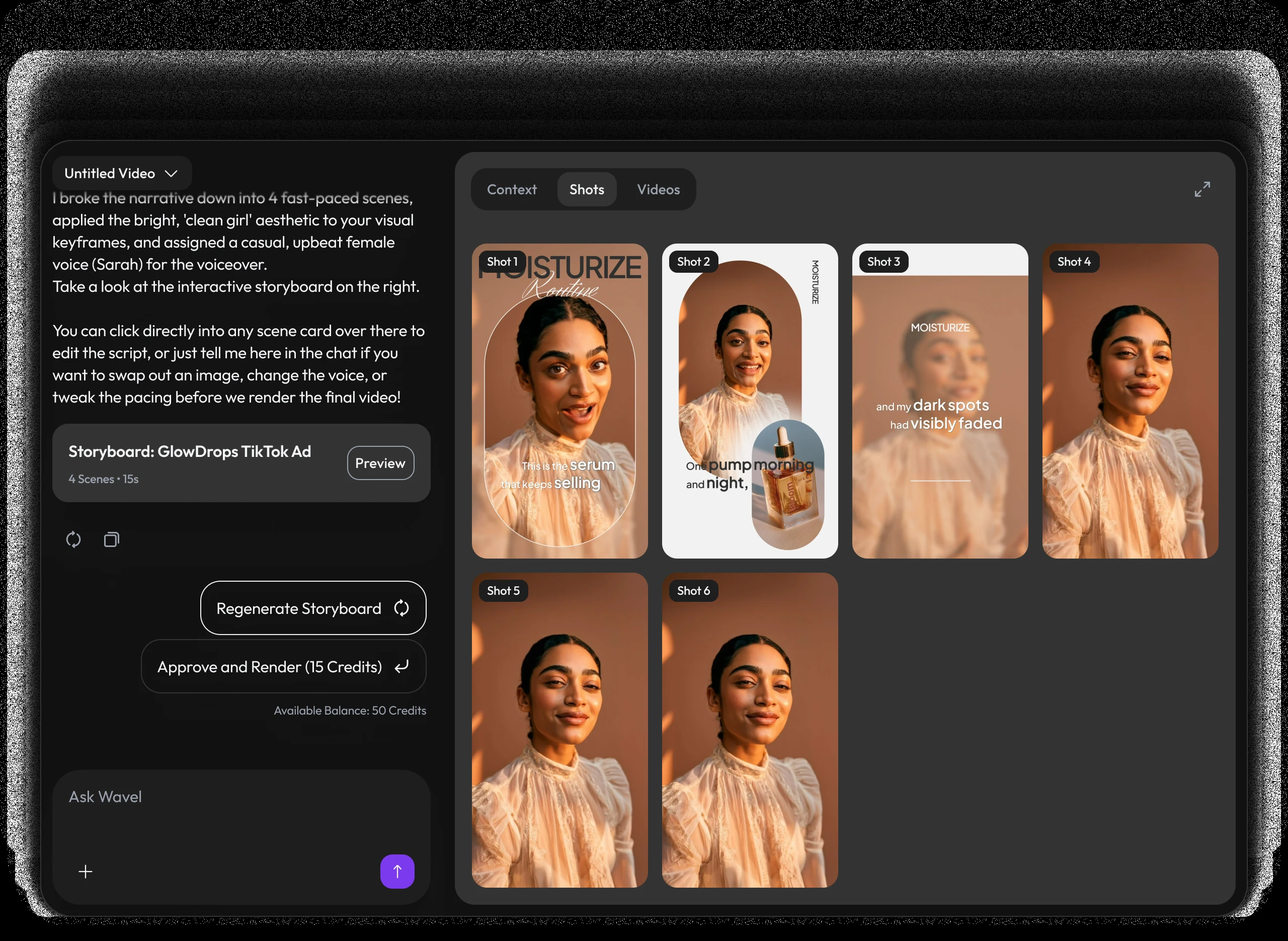
A video studio built like a chat.
Pricing
Self-serve credits for every story workflow.
Use DirectStudio with pay as you go credits, fixed plans, and top-ups whenever you need more generation capacity.
Pay as you go
Start self-serve and add credits only when your story pipeline needs more generation time.
- Top AI ModelsSeedDance 2, Seedance 2.5, Veo 3.1, Kling 3, Nano Banana Pro, SeedDream 5, WAN 2.5
- No monthly commitment
- Use credits across AI models
- Top up any time
Pro
A focused starter pack for testing story ideas, producing first drafts, and iterating with prompts.
- Top AI ModelsSeedDance 2, Seedance 2.5, Veo 3.1, Kling 3, Nano Banana Pro, SeedDream 5, WAN 2.5
- Video Agent access
- Prompt-based edits
- Consistent characters and scenes
Scale
Best value for regular creators producing more scenes, versions, and final video exports.
- Top AI ModelsSeedDance 2, Seedance 2.5, Veo 3.1, Kling 3, Nano Banana Pro, SeedDream 5, WAN 2.5
- Best credit rate
- More model runs
- Built for ongoing story production
Key features included
Have any question?
Google DeepMind's flagship AI video model, generating video with native synchronized audio, dialogue, and lip-sync, up to 4K resolution.
Yes. Dialogue, ambient sound, and effects are generated in the same pass as the video, no separate audio step needed.
4K output, native vertical 9:16 generation, Ingredients to Video for character consistency, and Scene Extension for longer sequences.
Yes. Scene Extension chains additional generations onto an existing clip while preserving subject and camera continuity.
It's available as one of the selectable video models inside Wavel AI's video generator, alongside Seedance 2.0, Kling 3, Seedream 5, and Wan v2.5.
Still have a question in mind?
Contact us if you have any other questions.

Veo 3.1 is live
Native dialogue, synchronized audio, and up to 4K output — available now.
Start Directing Free