Seedream 5
The Image Engine for Every Frame
Generate photorealistic keyframes, product shots, and reference images with the Seedream 5 Image Generator.
Start CreatingWhat Is Seedream 5
Seedream 5 is ByteDance’s flagship AI image generation model, and one of the model options built into DirectStudio’s video generator (powered by Wavel AI). It’s built for photorealistic detail, strong prompt adherence, and consistent subjects across multiple generations.
Inside DirectStudio, Seedream 5 produces the keyframes, product shots, and reference images that seed every image-to-video generation — so the video that follows starts from a precise, art-directed frame instead of a random guess.
Key Features of Seedream 5
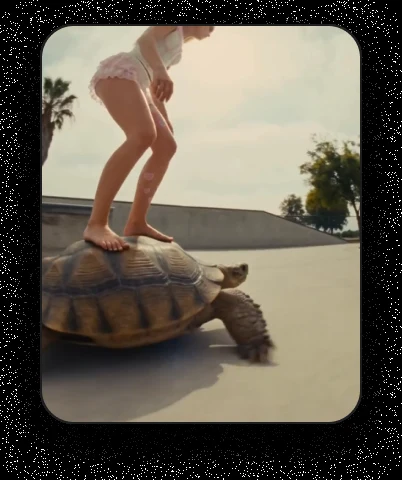
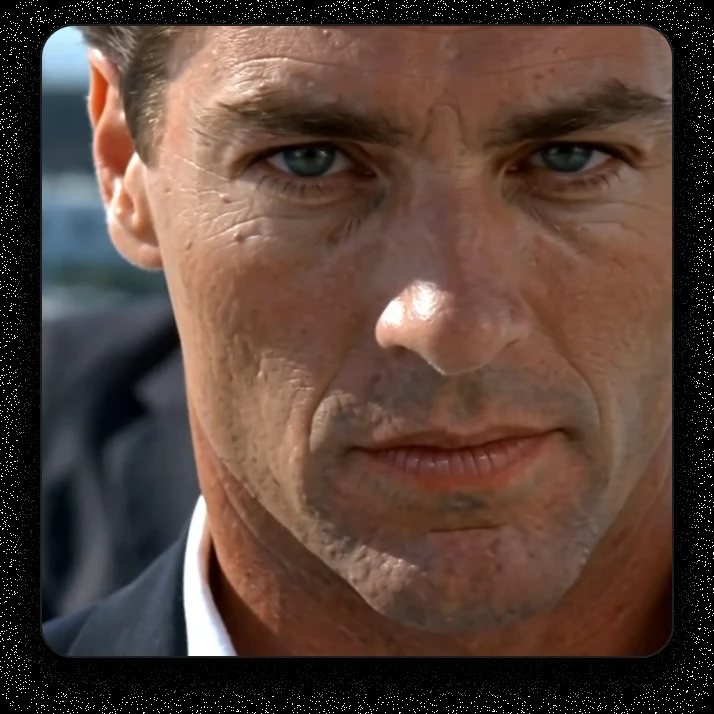
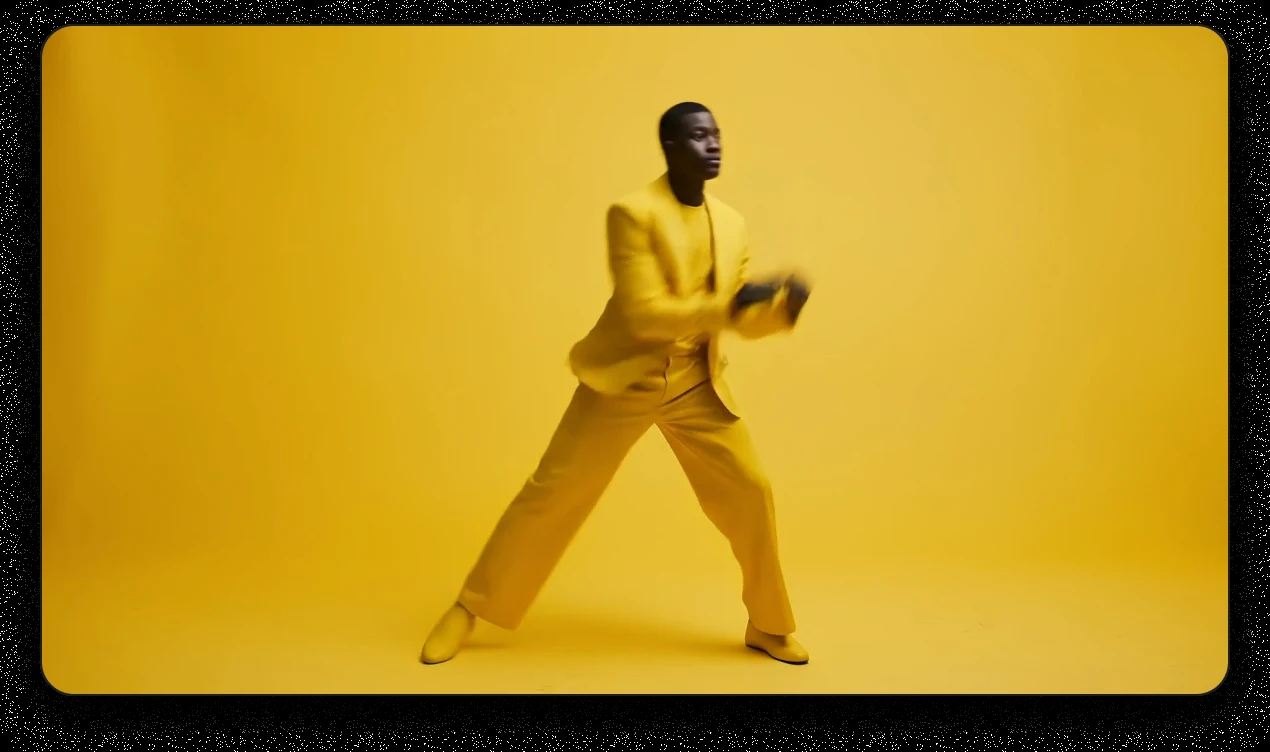
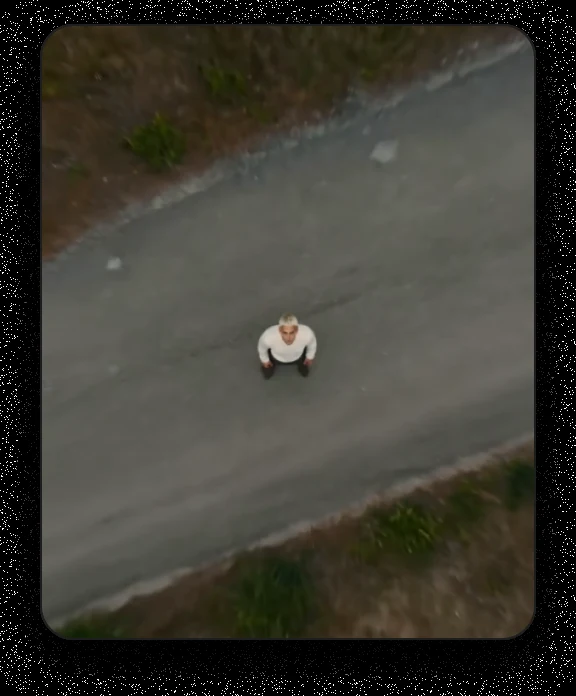
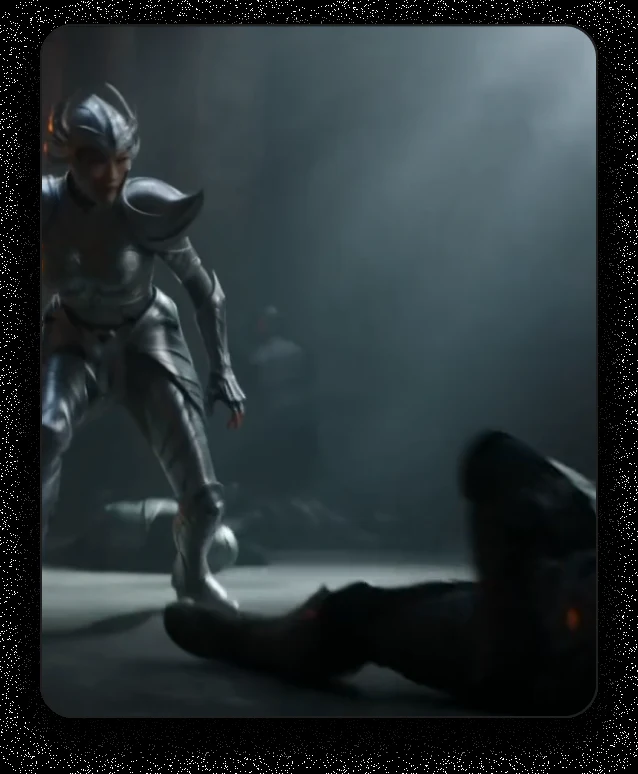
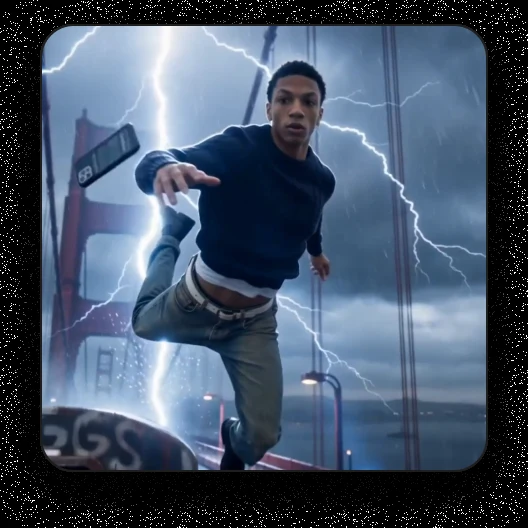
Photoreal detail, every time
Trusted by teams, just like yours.










Working with Seedream 5
Limitations, and how
to get around them
Model choice takes judgment
Seedream 5 excels at photoreal stills, not motion. DirectStudio offers it alongside video models because content type matters. What helps: use Seedream 5 for the reference frame, then hand it to a video model like Seedance 2.5 or Veo 3.1 for movement.
Draft Your Script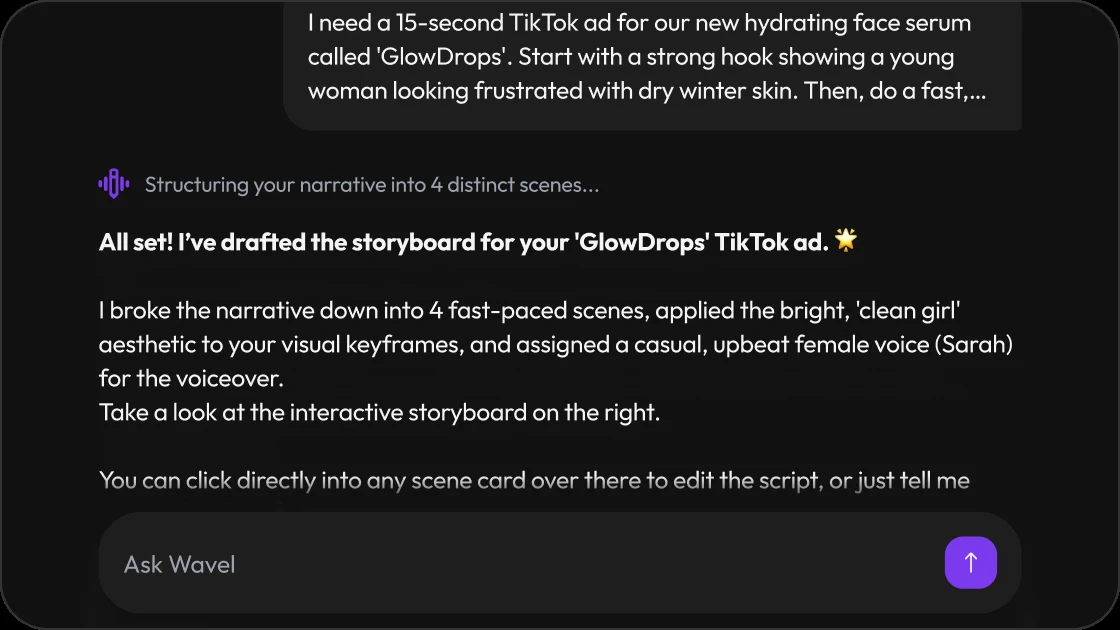
Complex multi-subject scenes take more prompt care
Multiple characters or products together in one frame can blend identities if the prompt is vague. What helps: describe each subject and its position explicitly, or generate them separately and composite.
Build a Storyboard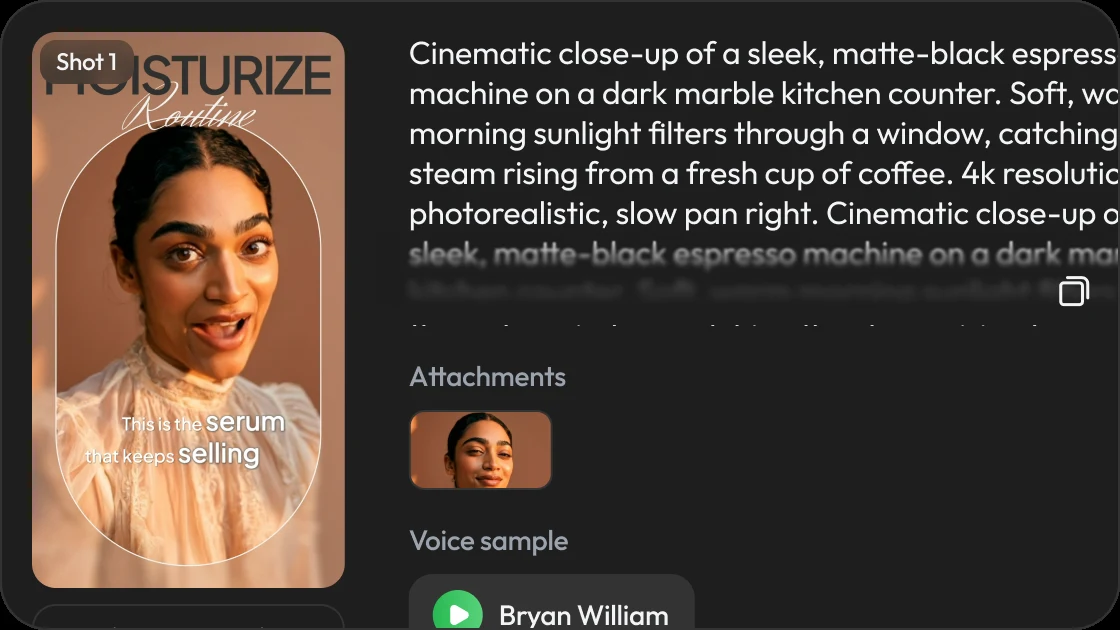
Style consistency across a full set needs a locked reference
Without a reference image, style can drift between generations. What helps: generate one strong hero frame first, then use it as the reference for the rest of the set.
Open the Studio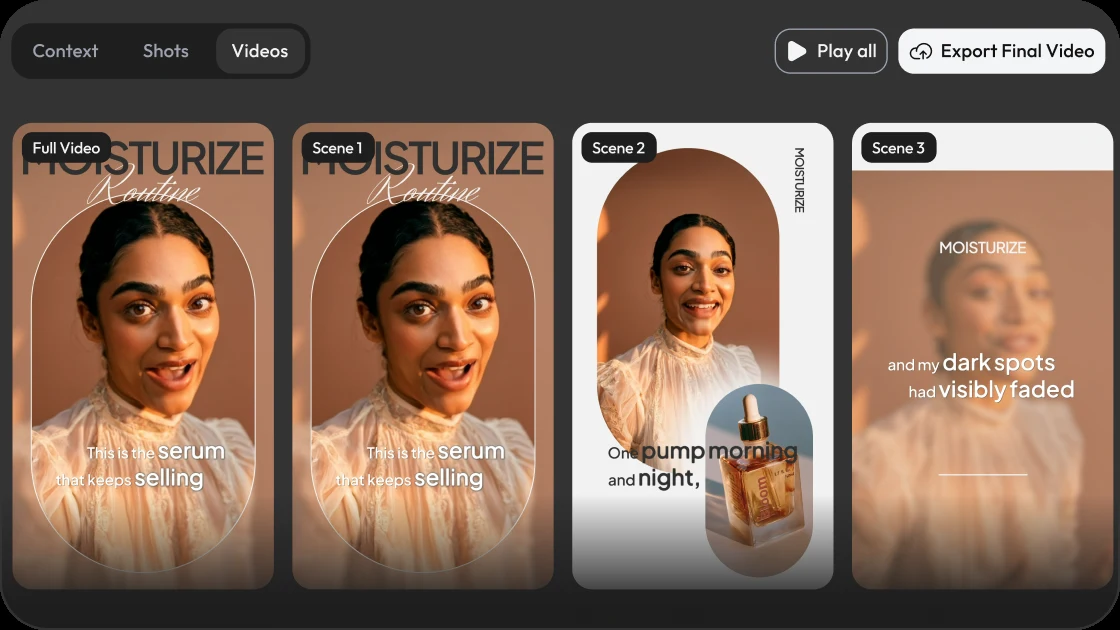
Use cases, with more DirectStudio tools
How To Use Seedream 5
Pick your image type
Product shot, portrait, keyframe, or lifestyle scene — this shapes composition and lighting.
Choose Seedream 5 as your model
Alongside Nano Banana Pro for images, or Seedance 2.5, Veo 3.1, Kling 3, and Wan 2.5 for video.
Upload references and enter your prompt
Add reference images to lock a subject, then describe the shot.
Generate, refine, and hand off to video
Review the frame, regenerate if needed, then send it directly into an image-to-video generation.
Where Seedream 5 Excels
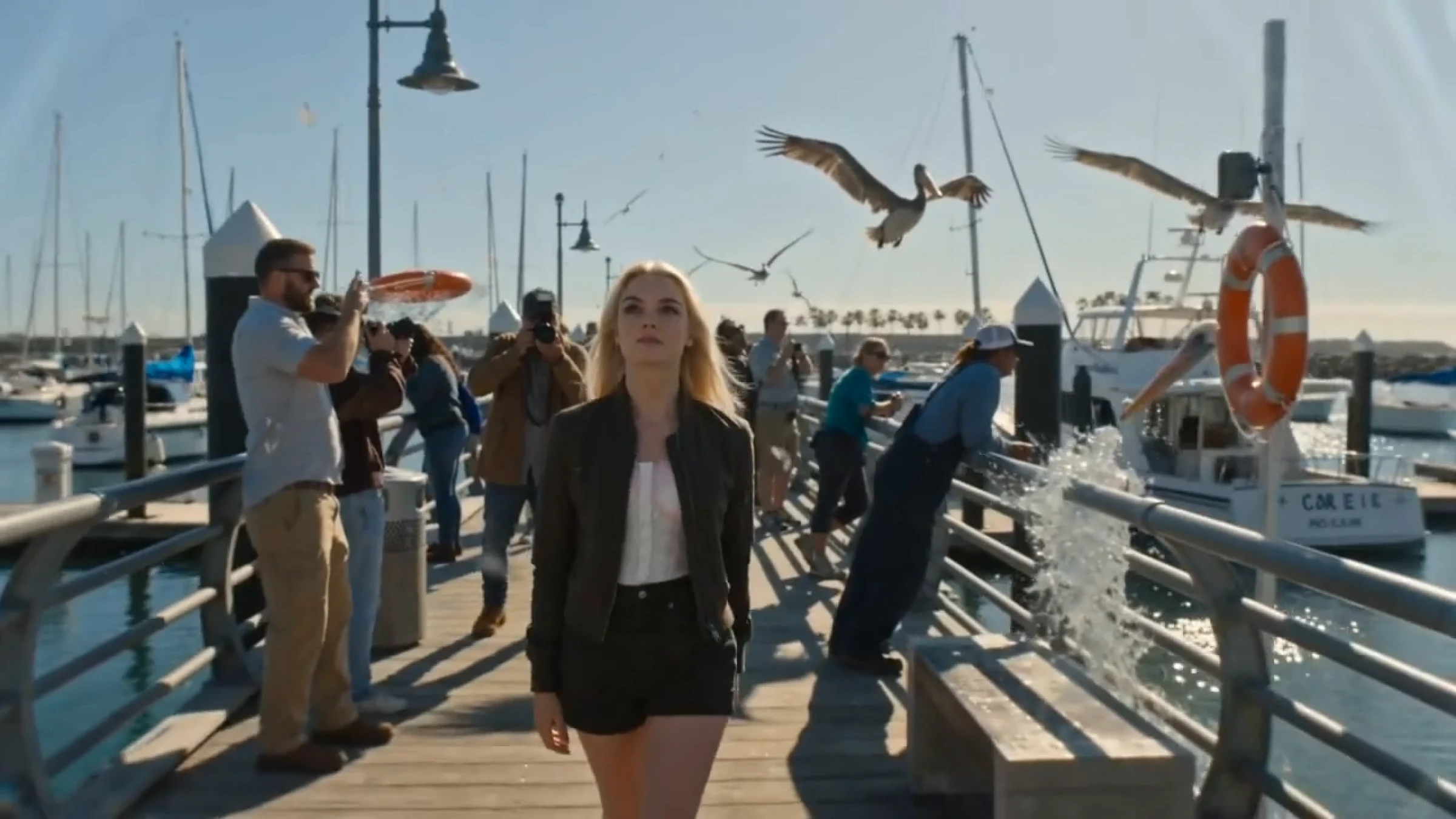
Photoreal images for every use case
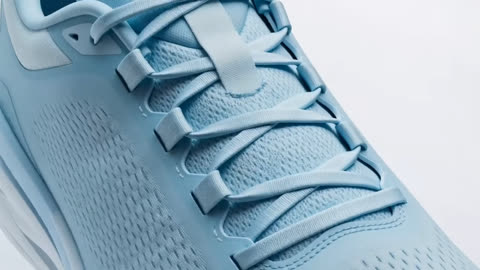 Product photographySharp detail and accurate labels make it a strong fit for e-commerce hero shots.
 Keyframes for video generationGenerate the exact starting frame, then hand it directly to an image-to-video model.
 Character referencesLock a consistent face or outfit before generating a multi-scene video.
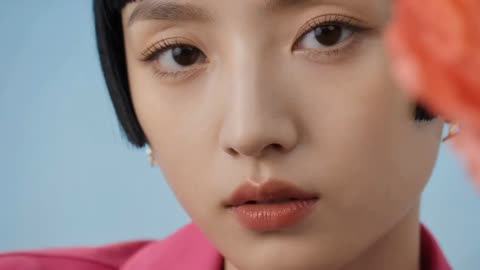 Brand and campaign stillsOn-brand color and composition for static and social creative.
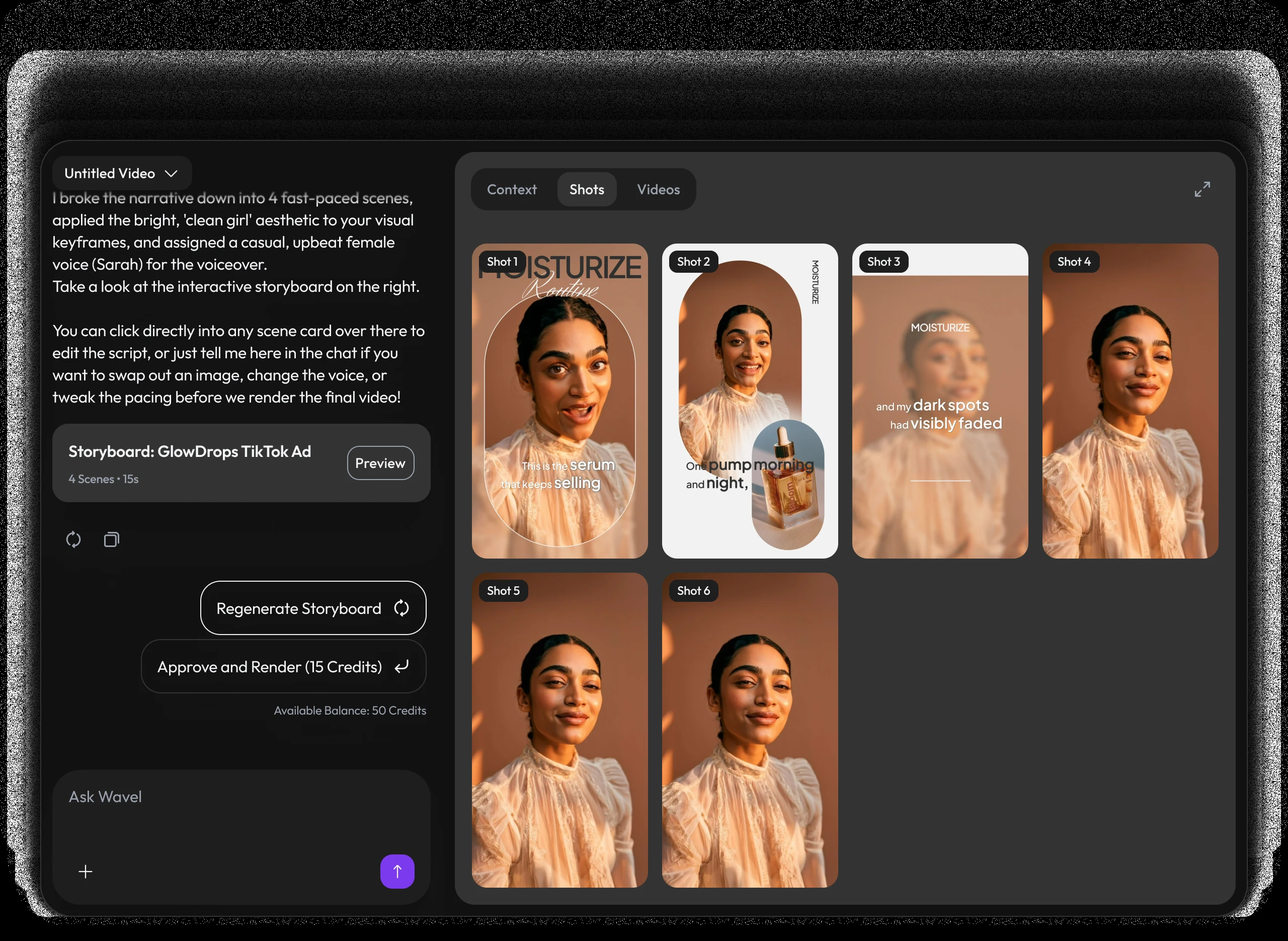
A video studio built like a chat.
Pricing
Self-serve credits for every story workflow.
Use DirectStudio with pay as you go credits, fixed plans, and top-ups whenever you need more generation capacity.
Pay as you go
Start self-serve and add credits only when your story pipeline needs more generation time.
- Top AI ModelsSeedDance 2, Seedance 2.5, Veo 3.1, Kling 3, Nano Banana Pro, SeedDream 5, WAN 2.5
- No monthly commitment
- Use credits across AI models
- Top up any time
Pro
A focused starter pack for testing story ideas, producing first drafts, and iterating with prompts.
- Top AI ModelsSeedDance 2, Seedance 2.5, Veo 3.1, Kling 3, Nano Banana Pro, SeedDream 5, WAN 2.5
- Video Agent access
- Prompt-based edits
- Consistent characters and scenes
Scale
Best value for regular creators producing more scenes, versions, and final video exports.
- Top AI ModelsSeedDance 2, Seedance 2.5, Veo 3.1, Kling 3, Nano Banana Pro, SeedDream 5, WAN 2.5
- Best credit rate
- More model runs
- Built for ongoing story production
Key features included
Have any question?
ByteDance's flagship AI image generation model, built for photorealistic detail, accurate text and logos, and consistent subject identity across generations.
No, it generates still images. Inside DirectStudio it's used to create the keyframes and reference images that seed video generation with models like Seedance 2.5, Veo 3.1, and Wan 2.5.
Yes. Feed reference images and Seedream 5 holds the same subject identity across multiple generated angles and scenes.
Yes. Any generated frame can be sent directly into an image-to-video generation without leaving the chat.
It's available as one of the selectable image models inside DirectStudio's video generator, alongside Nano Banana Pro for images and Seedance 2.5, Veo 3.1, Kling 3, and Wan 2.5 for video.
DirectStudio runs on credits. Pay as you go, or subscribe to Pro or Scale for a lower per-credit rate and more included generation capacity.
Still have a question in mind?
Contact us if you have any other questions.

Seedream 5 is live
Photoreal keyframes, accurate text, and consistent subjects — available now.
Start Creating Free