InVideo vs. DirectStudio in 2026: Which AI Video Platform Is Better?
Both platforms bundle the same frontier models. The difference is a single prompt-to-video agent versus a structured, localization-first production workflow.
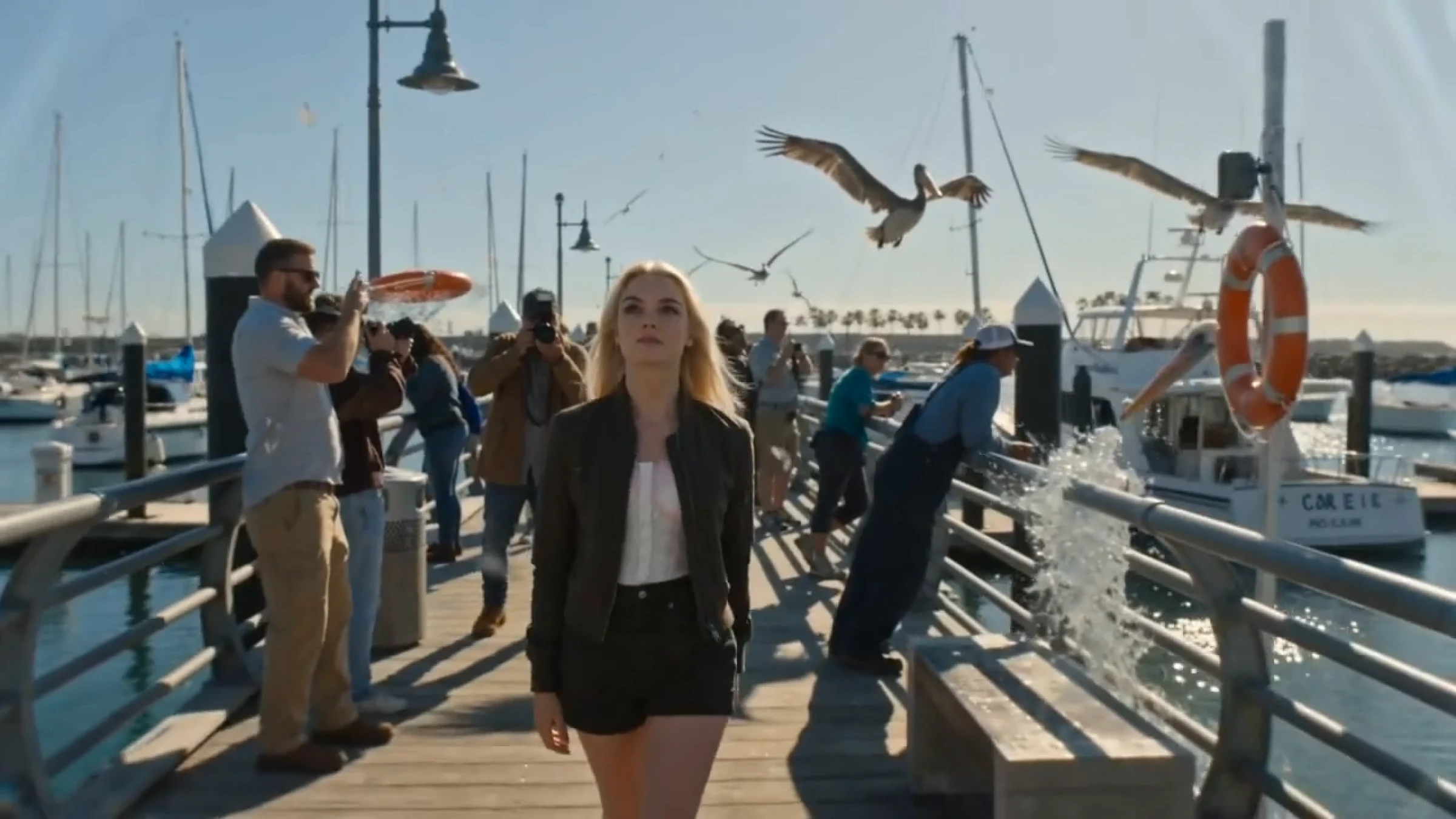
Both InVideo AI and DirectStudio AI promise the same thing: turn a prompt into a finished, publishable video. Both now bundle access to the same generation of frontier models, such as Veo 3.1, Sora 2, Kling 3.0, and Seedance 2.0. The difference isn't which models they license. It's how each platform is actually built around them, and what happens after the first draft comes out.
Quick Verdict
InVideo AI is a strong pick if your priority is a single agent that turns one prompt into a long, edit-ready video, and you're comfortable with credit-based pricing. DirectStudio is the stronger pick if the finished video needs to travel across multiple languages, with dubbing, lip-sync, and a workflow built for brand and production teams rather than solo prompt iteration.
At a Glance
| Category | InVideo AI | DirectStudio |
|---|---|---|
| Core approach | Single-prompt agent that assembles a full video, edited by text command | Structured workflow: pick video type, model, and voice/language before generating |
| Model access | 200+ models, including Veo 3.1, Sora 2, Kling 3.0, Seedance 2.0 | Seedance 2.0, Veo 3.1, Kling 3.0, Wan 2.5, plus Seedream 5 and Nano Banana Pro for reference images |
| Pricing model | Credit-based, allowances don't roll over month to month | Credit-based, with rollover on higher tiers |
| Localization | Automatic translation and dubbing included | 100+ language voice library, auto lip-sync, and dedicated dubbing workflow (via Wavel) |
| Stock footage library | 16M+ assets | Not the core focus, built around generated video and avatars |
| Best for | Fast, single-prompt long-form drafts | Multilingual, brand-consistent, production-style video |
What Is InVideo AI
InVideo AI's headline feature in 2026 is its v4 Agent One, a prompt-to-video agent that can generate up to 30 minutes of video from a single prompt, then let you revise it with text commands instead of a manual timeline. It runs alongside InVideo Studio, a more traditional drag-and-drop editor for people who want hands-on control.
Its other standout is model breadth: InVideo bundles over 200 video, image, and audio models, including Veo 3.1 and Sora 2, in the same subscription — models that independently cost hundreds of dollars a month through their native platforms. A newer Advertising Studio feature can turn a product URL directly into a TikTok- or Instagram-ready ad with hooks and calls to action generated automatically.
What Is DirectStudio
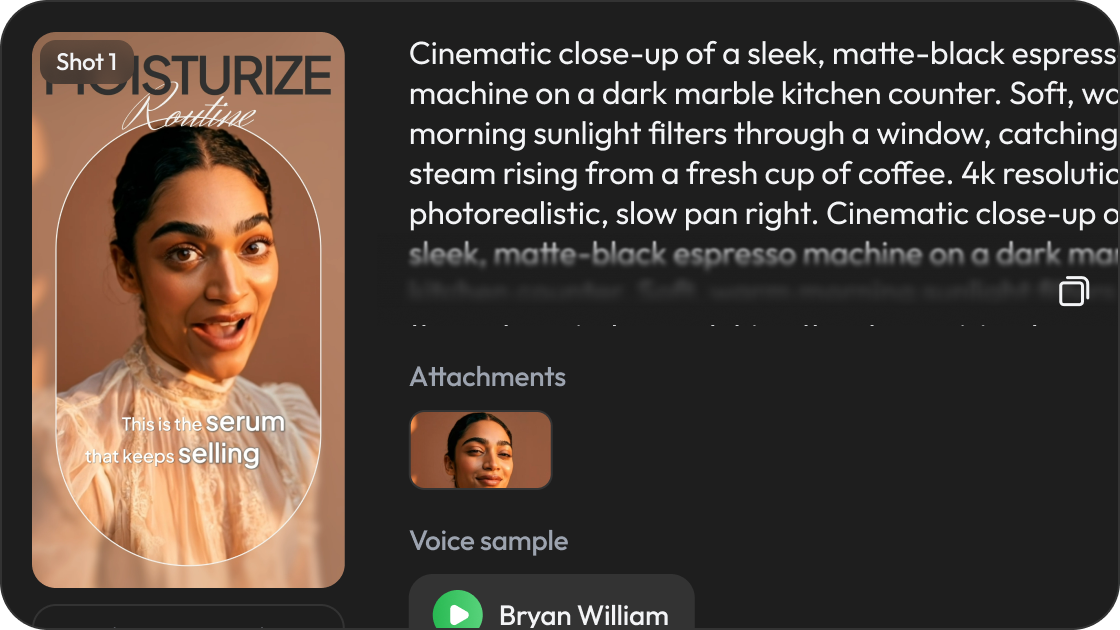
DirectStudio (powered by Wavel AI) takes a more structured route to the same destination. Instead of one large agent handling everything, the workflow separates video type, model choice, script, voice, and localization into distinct steps, giving more visible control over which model renders a given scene, and how the finished video sounds in a second or third language.
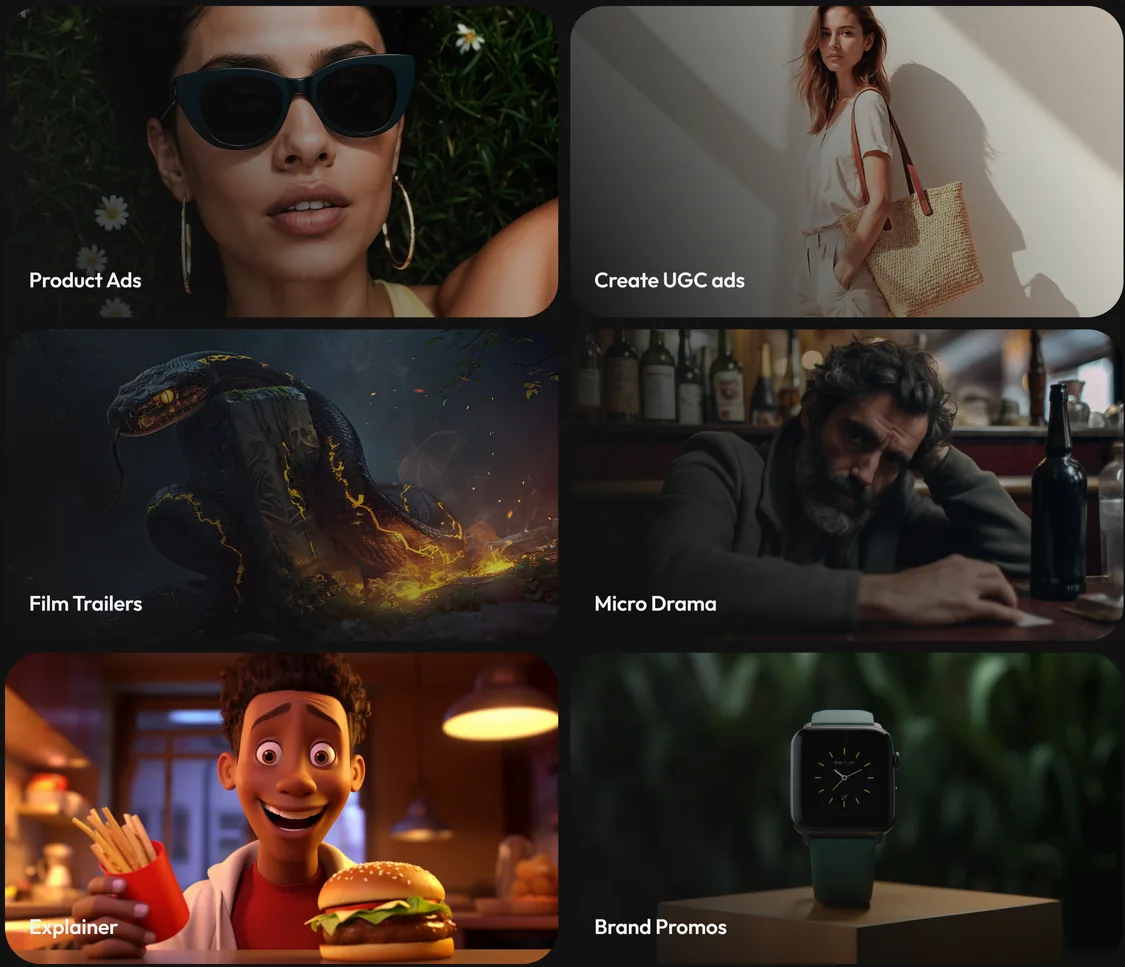
DirectStudio's model lineup mirrors the same frontier options (Seedance 2.0, Veo 3.1, Kling 3.0, Wan 2.5), paired with dedicated tools most competitors treat as an afterthought: Script to Video, Text to Video, Image to Video, an AI Ad Generator, and Cinematic Product Ads.
Feature-by-Feature Comparison
Prompt-to-video approach
InVideo leans on one large agent that tries to handle the entire brief — script, visuals, pacing, voice — in a single generation, then refined by conversation. That's fast for a first draft, but reviewers consistently note that the agent's early attempts often need a rewrite, and roughly a quarter of text-edit commands need a retry or manual correction.
DirectStudio splits the same decisions into explicit steps: pick the video type, then the model, then the voice and language. It asks more of the user upfront, but the trade-off is a clearer line from decision to output. You know which model rendered a scene and can swap it directly if the result doesn't fit.
Model access and video quality
Both platforms license the same current frontier models, so raw video quality on a like-for-like model choice is comparable. InVideo's edge is sheer breadth, with 200+ models covering video, image, and audio generation in one place. DirectStudio's edge is depth on a smaller, curated set: five video models plus two reference-image models (Seedream 5, Nano Banana Pro) built specifically to feed cleaner, more consistent inputs into the video generation step.
Avatars, voice, and localization
This is where the platforms diverge most. InVideo's v4.0 avatars added improved lip-sync and more natural micro-expressions in 2026, with voice cloning that carries emotional inflection, plus automatic translation for reaching international audiences.
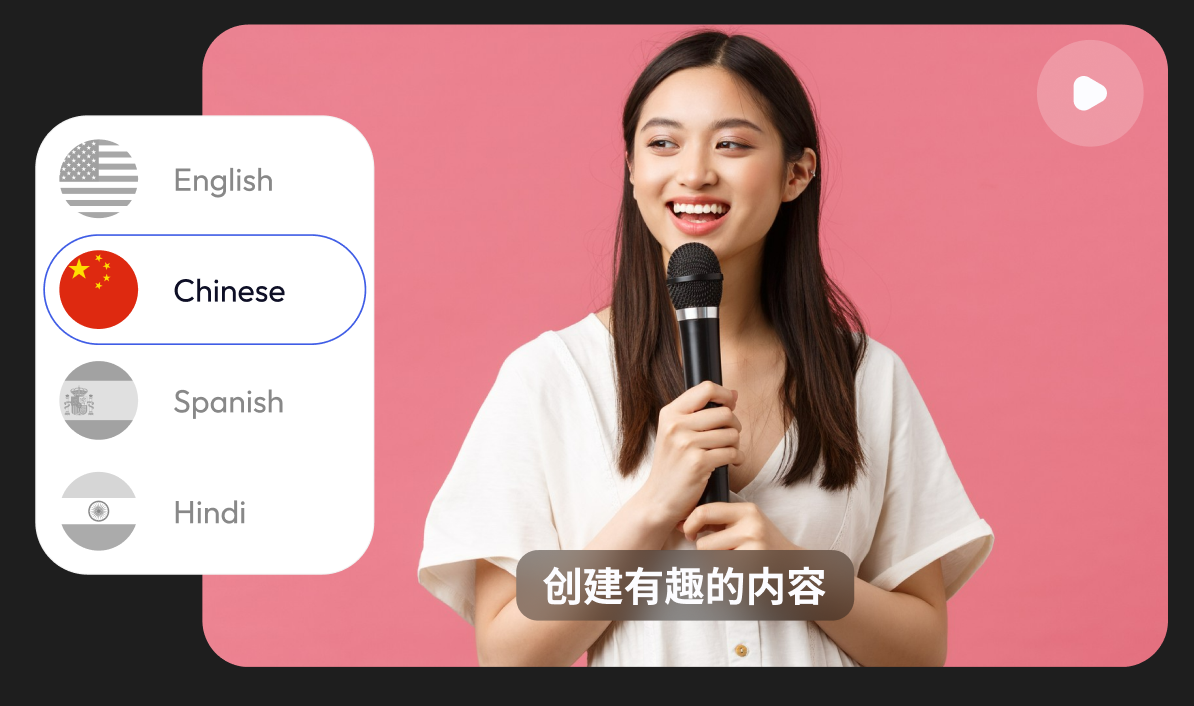
DirectStudio's dubbing and localization is the deeper toolset of the two. It supports 100+ languages with auto lip-sync built into the core video workflow, not as an add-on, and offers dedicated voice cloning and AI-twin creation at every paid tier. For a brand producing the same video for multiple markets, that's a materially different starting point than translating a single-market video after the fact.
Editing and post-generation control
InVideo's advantage is speed. For a single long-form draft, the agent gets you further, faster, than a step-by-step workflow.
DirectStudio's built-in AI editor sits closer to the generation step. Visuals, text, and voiceover can be adjusted before download without leaving the platform, and the model-per-scene structure means a bad take can often be re-run on just that scene rather than the whole sequence.
Pricing structure
Both platforms use credit-based pricing rather than flat unlimited plans, and both offer a free tier to test the workflow before committing. InVideo's paid tiers have been reported in the roughly $17–$28/month entry range up to several hundred dollars a month for its highest Generative tier, with credits that don't roll over.
DirectStudio's paid tiers run from a low-cost entry plan up to higher tiers built around voice cloning and AI-twin volume, with credit rollover available on its higher plans. Check DirectStudio's current pricing for the exact numbers.
InVideo AI: Pros and Cons
Pros
- Single-prompt agent can produce a long, edit-ready draft fast
- Broad model access in one subscription, cheaper than licensing Veo 3.1 or Sora 2 individually
- Large stock footage library for a familiar, polished look
- Strong customer support, per independent review ratings
Cons
- Credit-based pricing with no rollover, and no refund for a poor regeneration
- Output can lean on a recognizable stock template look
- Roughly a quarter of text-edit commands reportedly need a retry
- Localization is a feature layer, not the platform's core strength
DirectStudio: Pros and Cons
Pros
- Deep multilingual dubbing and lip-sync built into the core workflow, not bolted on
- Explicit model selection per scene, so quality issues are easy to isolate and re-run
- Dedicated tools for ads, product visuals, and scripts, not just general video
- Reference-image models (Seedream 5, Nano Banana Pro) improve consistency before video generation even starts
Cons
- Fewer total models than InVideo's 200+ library
- Structured, multi-step workflow asks more of a first-time user than a single prompt box
- Smaller stock footage library than dedicated stock-first platforms
Turn your next idea into a complete video workflow.
Frequently Asked Questions
Is InVideo AI or DirectStudio better for beginners?
InVideo's single-prompt agent has a lower learning curve for a first video. DirectStudio's step-by-step workflow takes a little longer to learn but gives more control over the result.
Which platform is better for multilingual video?
DirectStudio. Its sister platform, Wavel AI, provides 100+ language dubbing and auto lip-sync built directly into the core video workflow.
Do both platforms use the same AI video models?
Largely yes, as both offer access to Veo 3.1, Kling 3.0, and Seedance 2.0. InVideo has a broader total library; DirectStudio pairs its models with dedicated reference-image and dubbing tools.
Is InVideo AI or DirectStudio cheaper?
Both use credit-based pricing with free tiers to test first. DirectStudio offers much cheaper entry plans, which can suit first-time brand agencies.
Which is better for ad creative?
InVideo's Advertising Studio automates ad creation from a product URL. DirectStudio's AI Ad Generator and Cinematic Product Ads cover the same use case with additional multilingual and brand-asset controls.